


Your Path to Success.
Five steps take you from your first visit to your first payment. Here is exactly what happens at each one.
Step 1: Apply Online
Create your account and choose the role you want: Virtual Assistant, Developer or Supporter.
A username and a password are all you need.
Step 2: Video Interview
Virtual Assistants record a short self-introduction video right in the browser. No downloads needed.
Your camera and microphone are checked first, and you review the recording before sending it.
Step 3: Administrator Review
An administrator reviews your application and video, and you are notified of the decision.
Your status shows as Pending Application in the meantime.
Step 4: Join the Team
Once approved you become a member, complete your profile and set the hours you are available.
Your member area opens the moment you are approved.
Step 5: Start Working & Earning
Attend your scheduled interviews, advance through the stages and receive a crypto payment for each one. Your level, and your payout rate, grow as you earn.
Interviews are always booked inside the hours you marked as free.
Before you start
What to have ready
Very little. Developers and Supporters need only the first two; Virtual Assistants need all four.

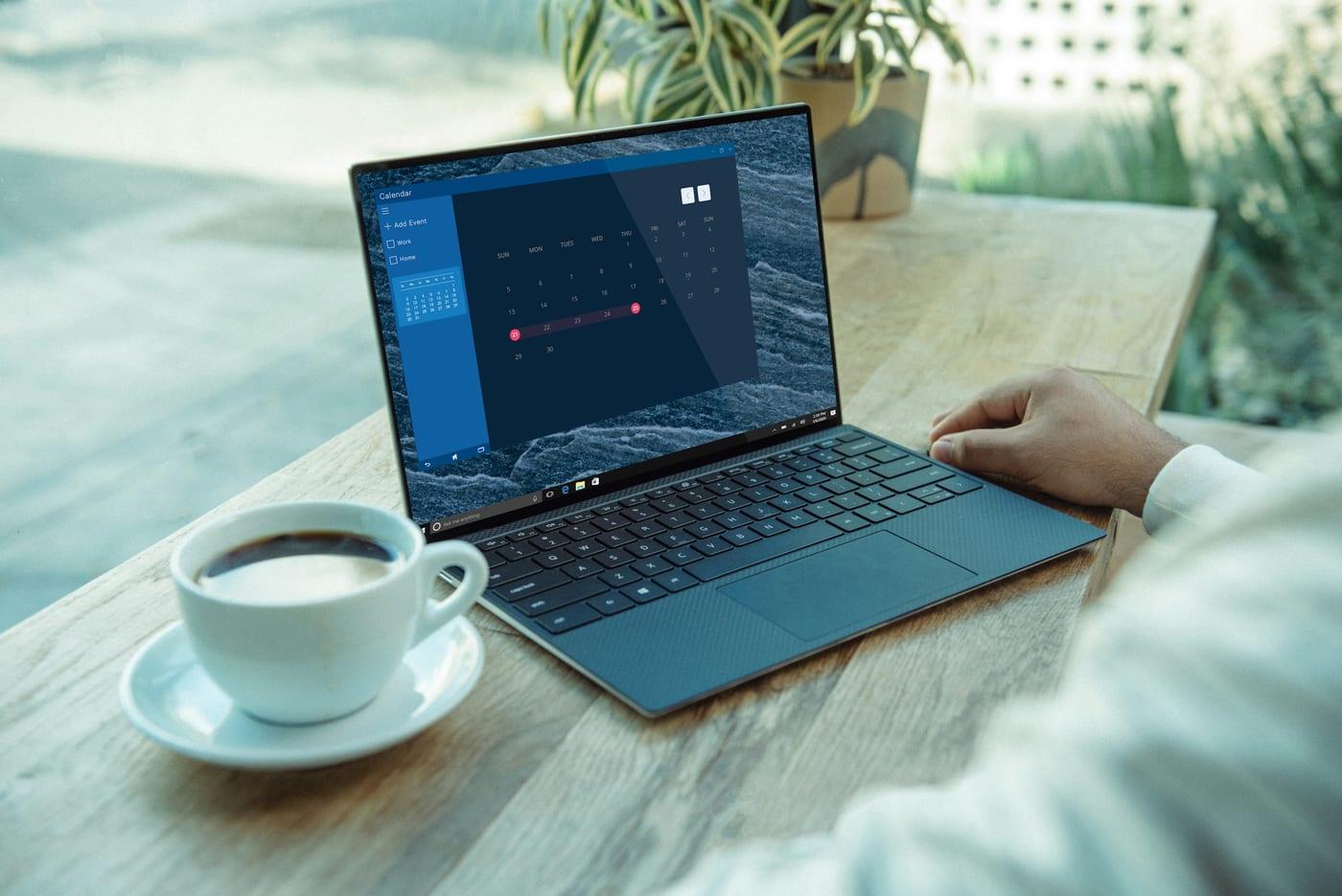
A computer and a browser
Everything runs in a modern browser. There is nothing to install.
A reliable connection
Stable internet keeps your applications, interviews and chat running smoothly.
- Virtual Assistants
Camera and microphone
For your self-introduction video and for interviews. The application checks both before you record.
- Virtual Assistants
A crypto wallet
Add a BTC, USDT (BEP20 or TRC20) or LTC address after you join, so payments have somewhere to go.
After you join
Your workspace, ready from day one
Approved Virtual Assistants get a member area with six sections. Each one does a single job well.
Profile
Your details, photo and password in one place.
Availability
A weekly grid of free hours, plus one-off changes for specific dates, in your own time zone.
Calendar
Month, week and agenda views of your interviews, with reference materials to download and a full history of results.
Account Management
Your wallets, every payment with its transaction ID, and your score and level.
Chat with Administrator
A private, real-time conversation whenever you need an answer.
Interview Tips
Practical guidance from the administrator to help you prepare.
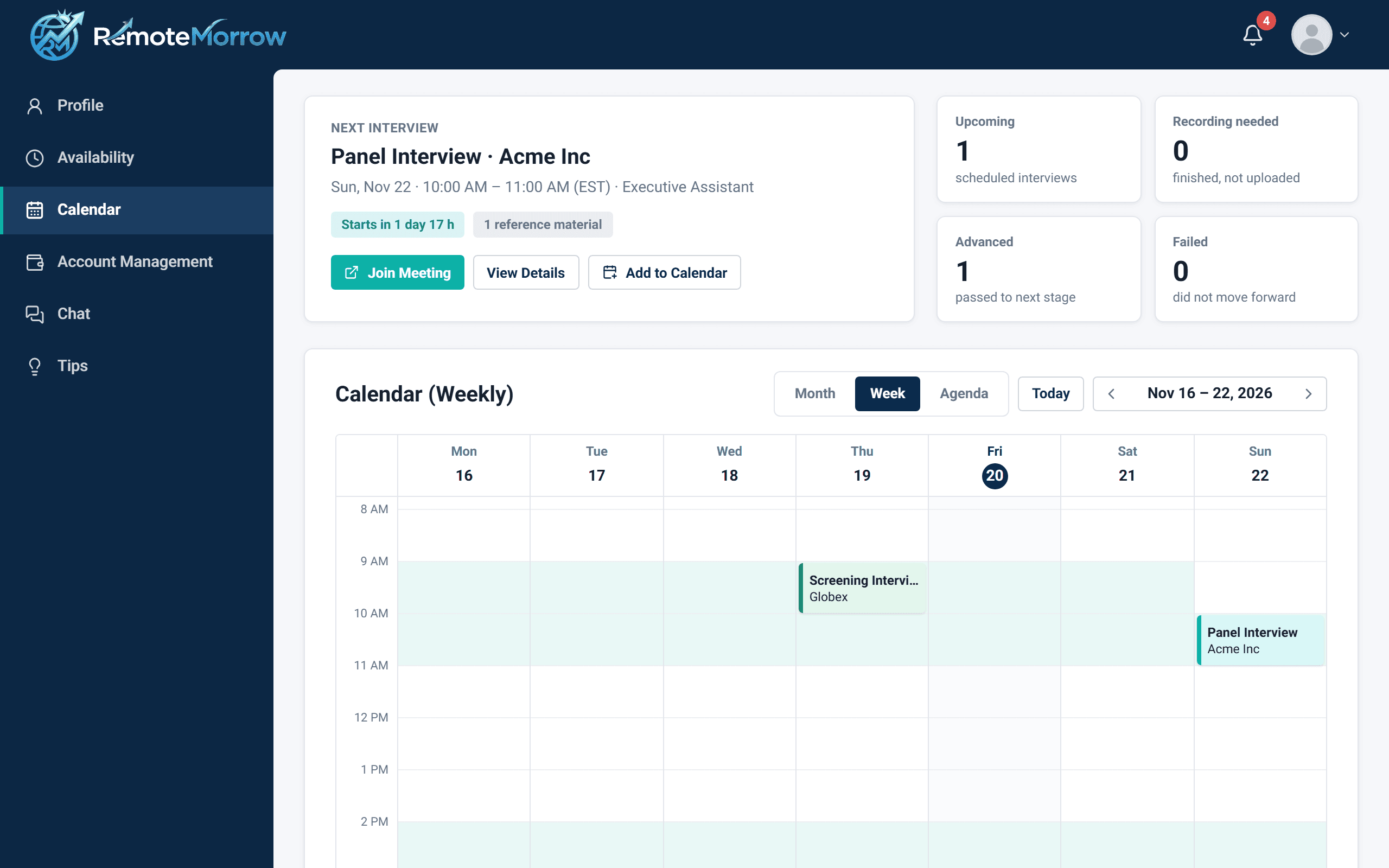
Calendar 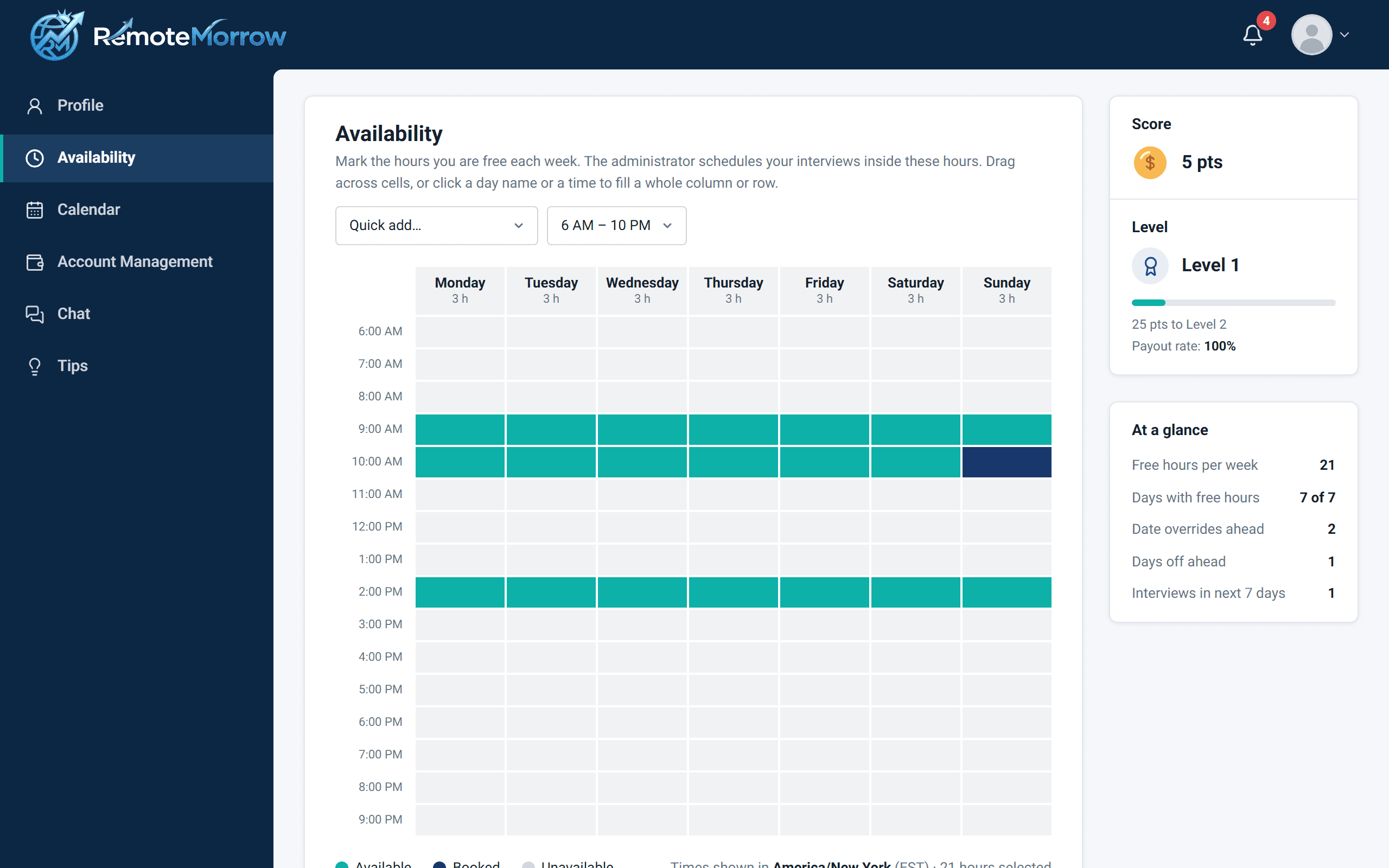
Availability 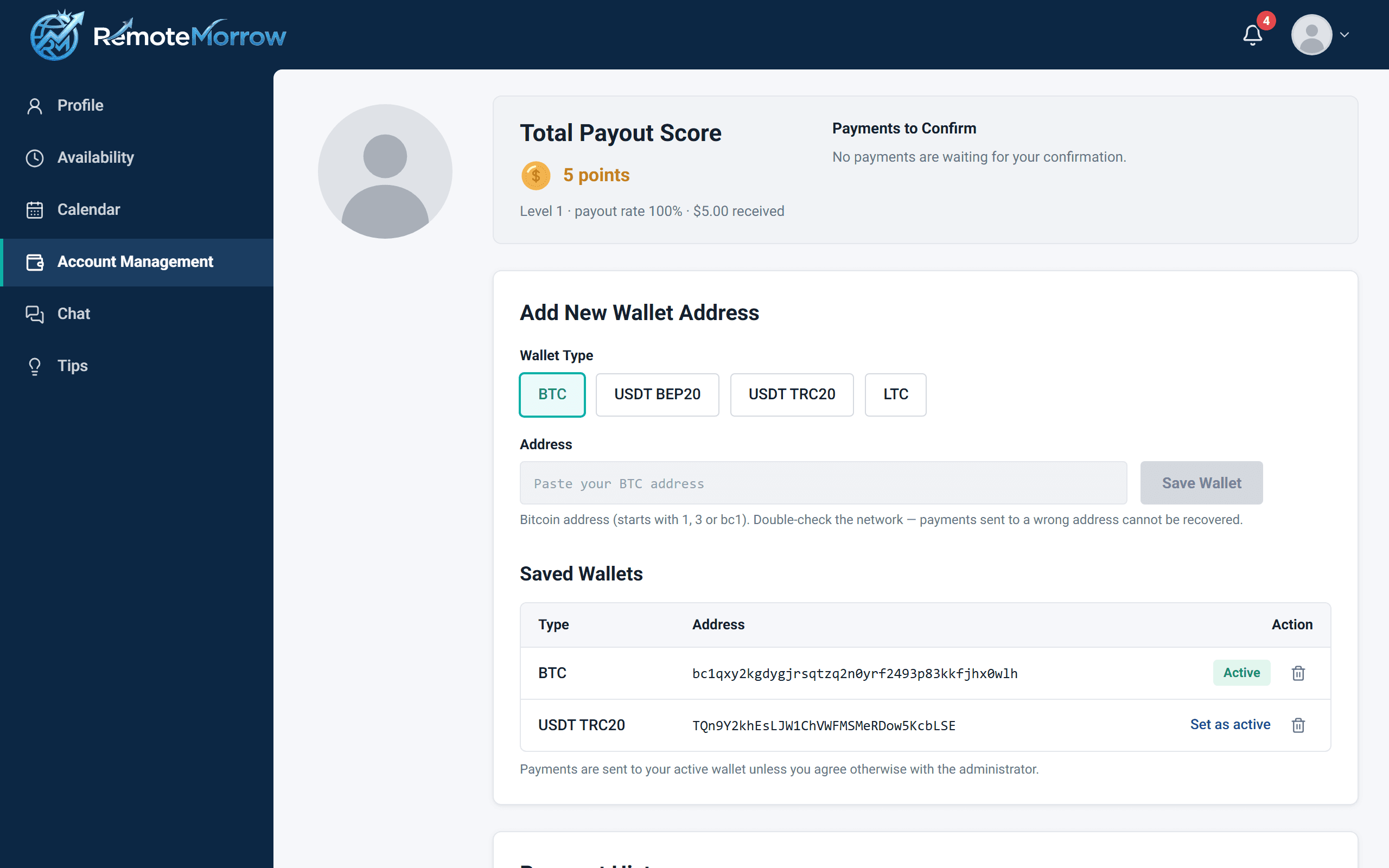
Account Management
Real screens from the Virtual Assistant workspace, shown with sample data.
Getting paid
How payments work
Simple, traceable and confirmed by you. Every payment follows the same four steps.
Advance a stage
The administrator reviews your interview recording and moves you to the next stage.
Payment is sent
The payment for that stage goes to the wallet you saved, and the transaction ID is shared with you.
You confirm it
Check the transaction, then confirm the payment arrived with one click.
Your score grows
The confirmed amount adds to your score, moving you toward the next level and a higher rate.
Payments go to the wallet you choose: BTC, USDT on BEP20 or TRC20, or LTC. Stage payments and level thresholds are set by the administrator and are always visible in your account.
FAQ
Answers to the questions applicants ask most.
Who can apply?
Anyone can create an account and apply for an open role. If a role shows “Position Filled”, it is not accepting applications right now; you can check back later.
Does it cost anything to apply?
No. Creating an account and applying are free, and we never ask applicants for a payment.
What do I need to apply as a Virtual Assistant?
A computer with a working camera and microphone. You record a short self-introduction video in your browser, review it, and submit it with your application.
What happens after I apply?
Your status changes to Pending Application while an administrator reviews it. You will see the decision under Notifications; once approved you become a member straight away.
What if my application is not accepted?
You are told the decision and your account returns to applicant status, so you are free to apply again when a role is open.
How are interviews scheduled?
Members mark the hours they are free each week and can change single dates. The administrator schedules interviews inside those hours and attaches any reference materials you need.
How and when do I get paid?
You earn a payment each time you advance to the next interview stage. The administrator sends it to the crypto wallet you saved (BTC, USDT or LTC) and shares the transaction ID; you confirm once it arrives.
What are levels?
Confirmed payments add to your score. As your score grows you reach higher levels, and each level raises the percentage applied to your later payments.
Can I change my availability after I set it?
Yes, at any time. Update your weekly hours, or set different hours for specific dates, such as a day off or extra time on a weekend. Interviews already booked stay in your calendar.
I forgot my password. What now?
Accounts use a username instead of an email address, so ask the administrator for a reset. You receive a temporary password and can change it after signing in.
Ready to start?
Create your account and apply in a few minutes. It is free.